The control plane for servers you already own
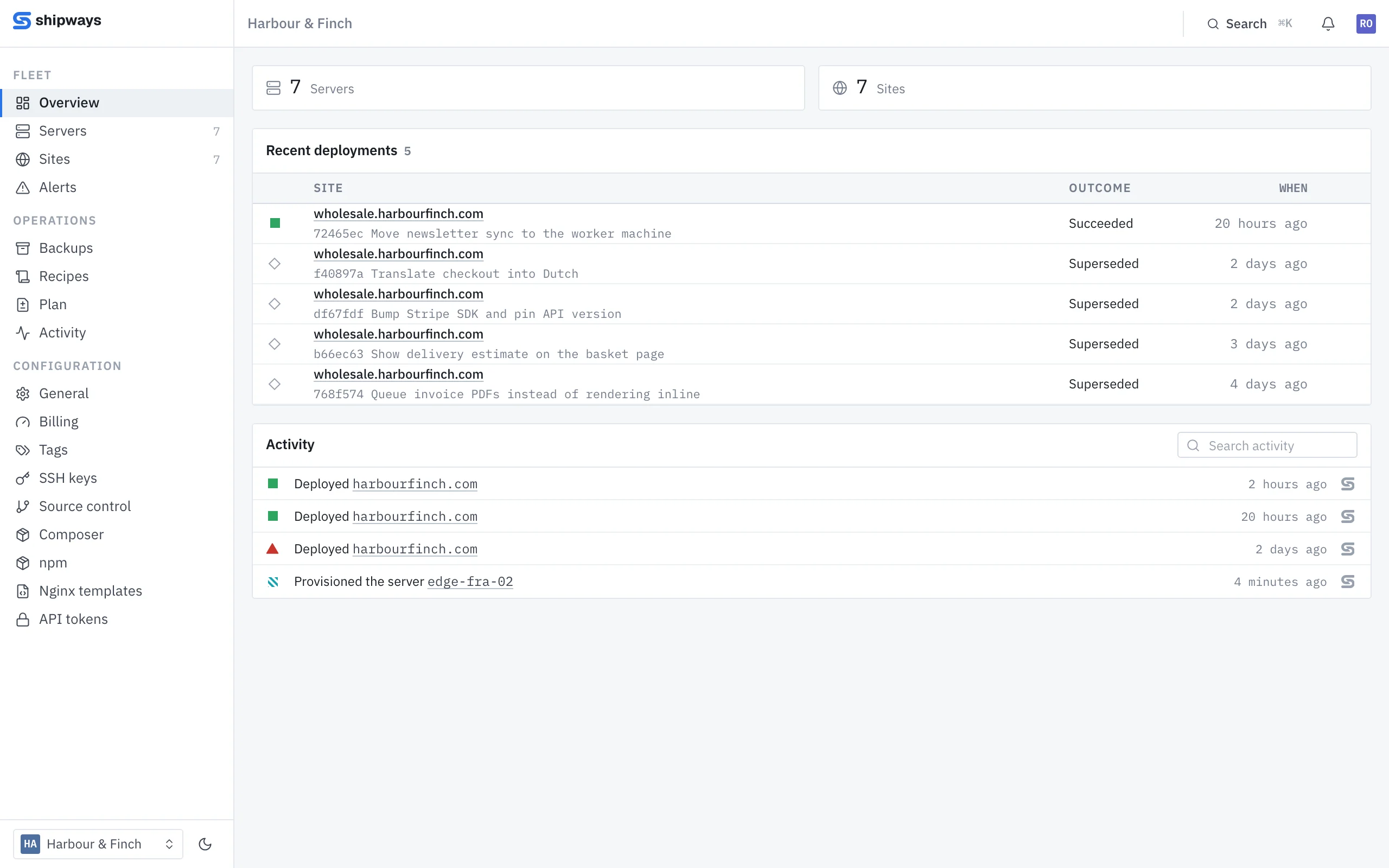
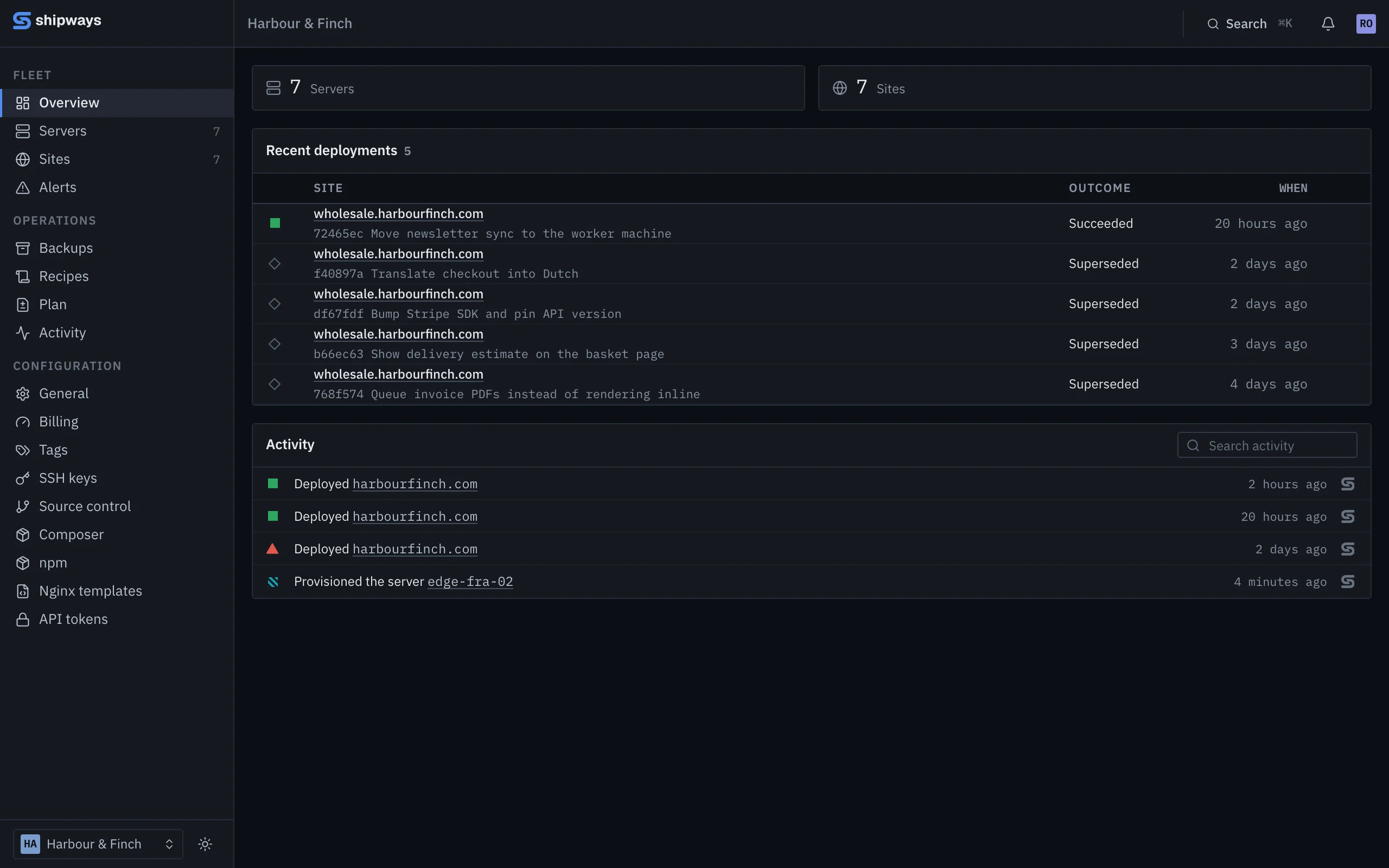
Run one command on a stock Ubuntu box. Shipways provisions it, deploys to it and backs it up, and every number it shows you says how old it is.
One machine is free for as long as you like. No card.
What it needs, and what it runs
From a fresh box to a deployed site, with one command
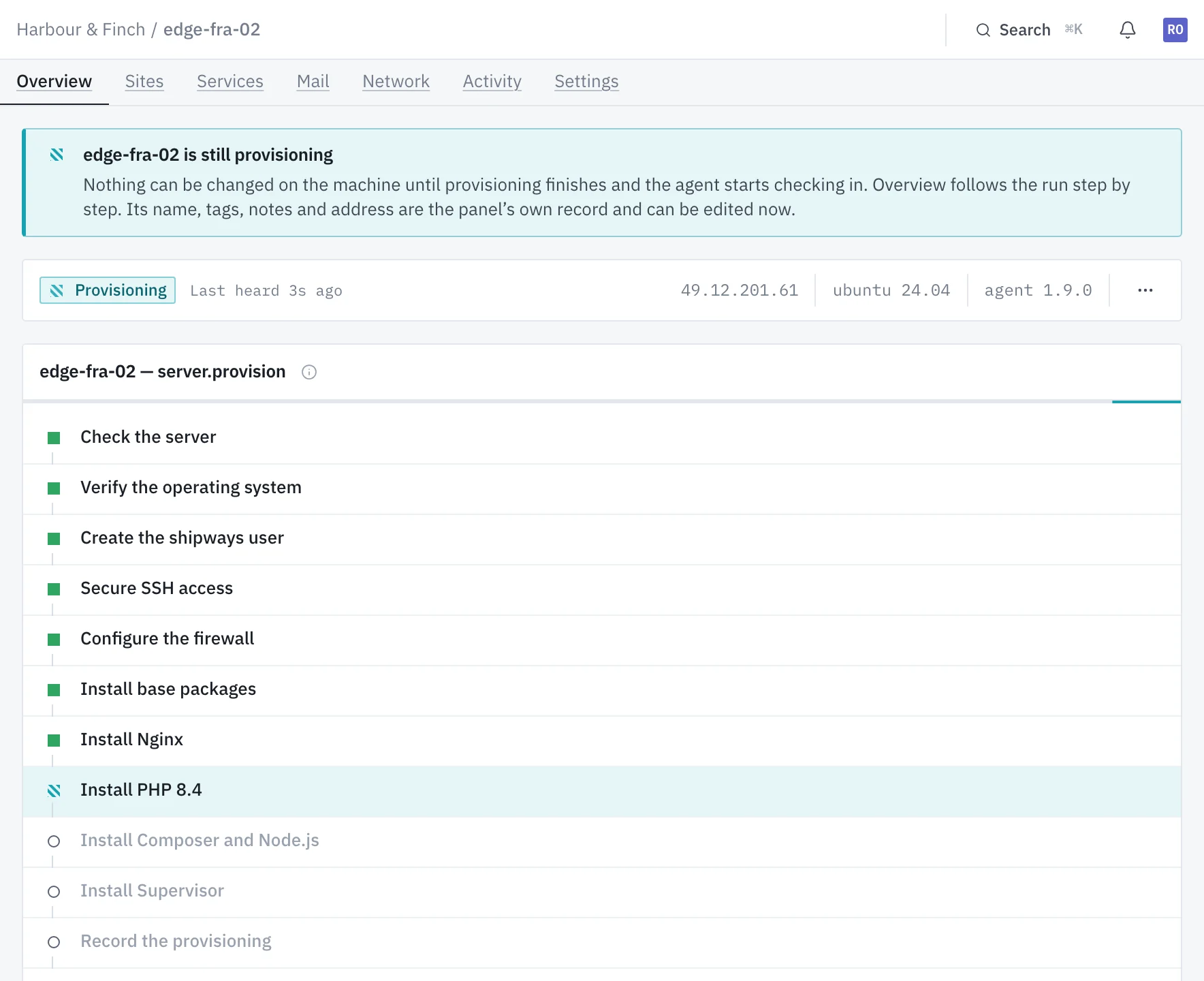
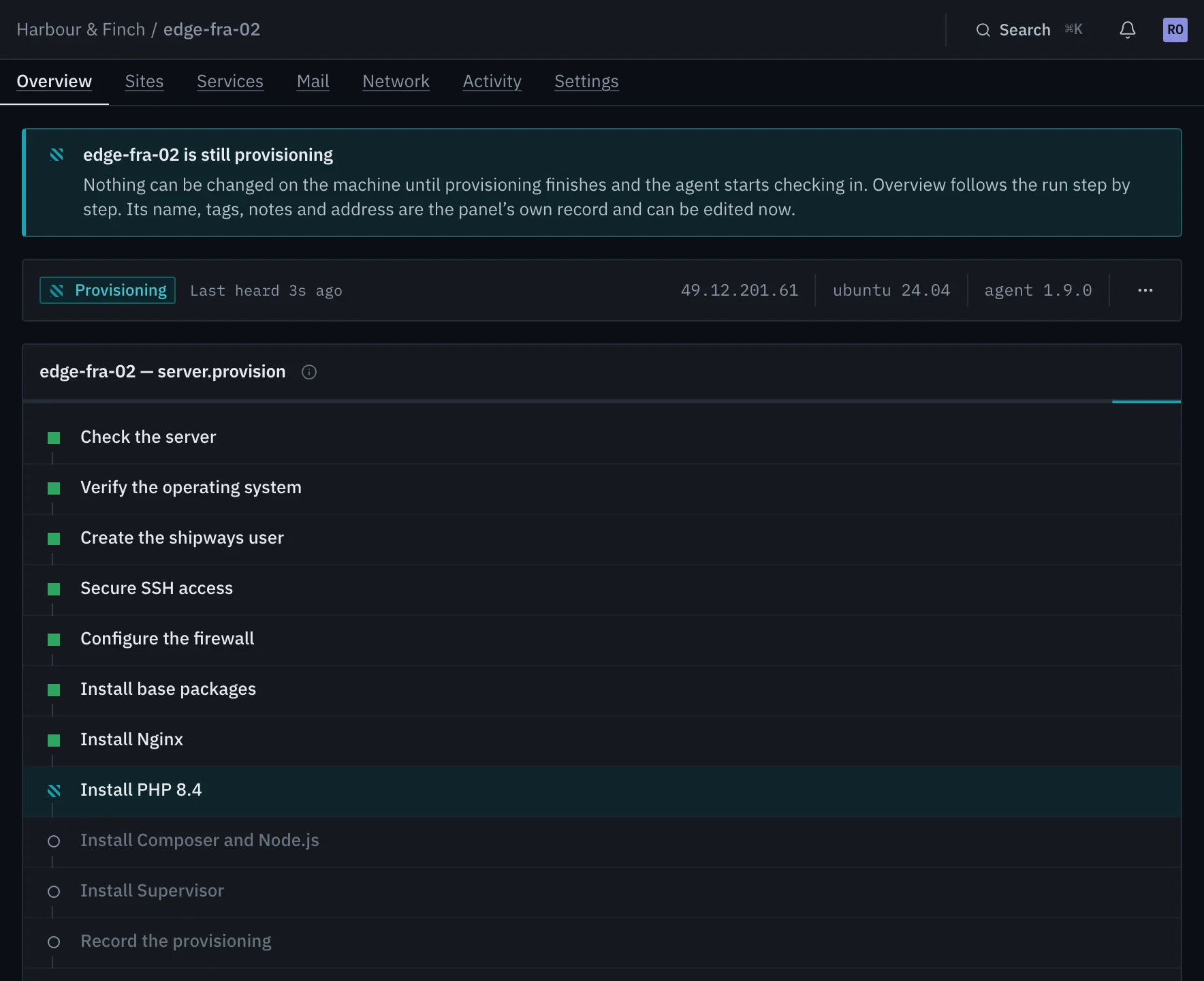
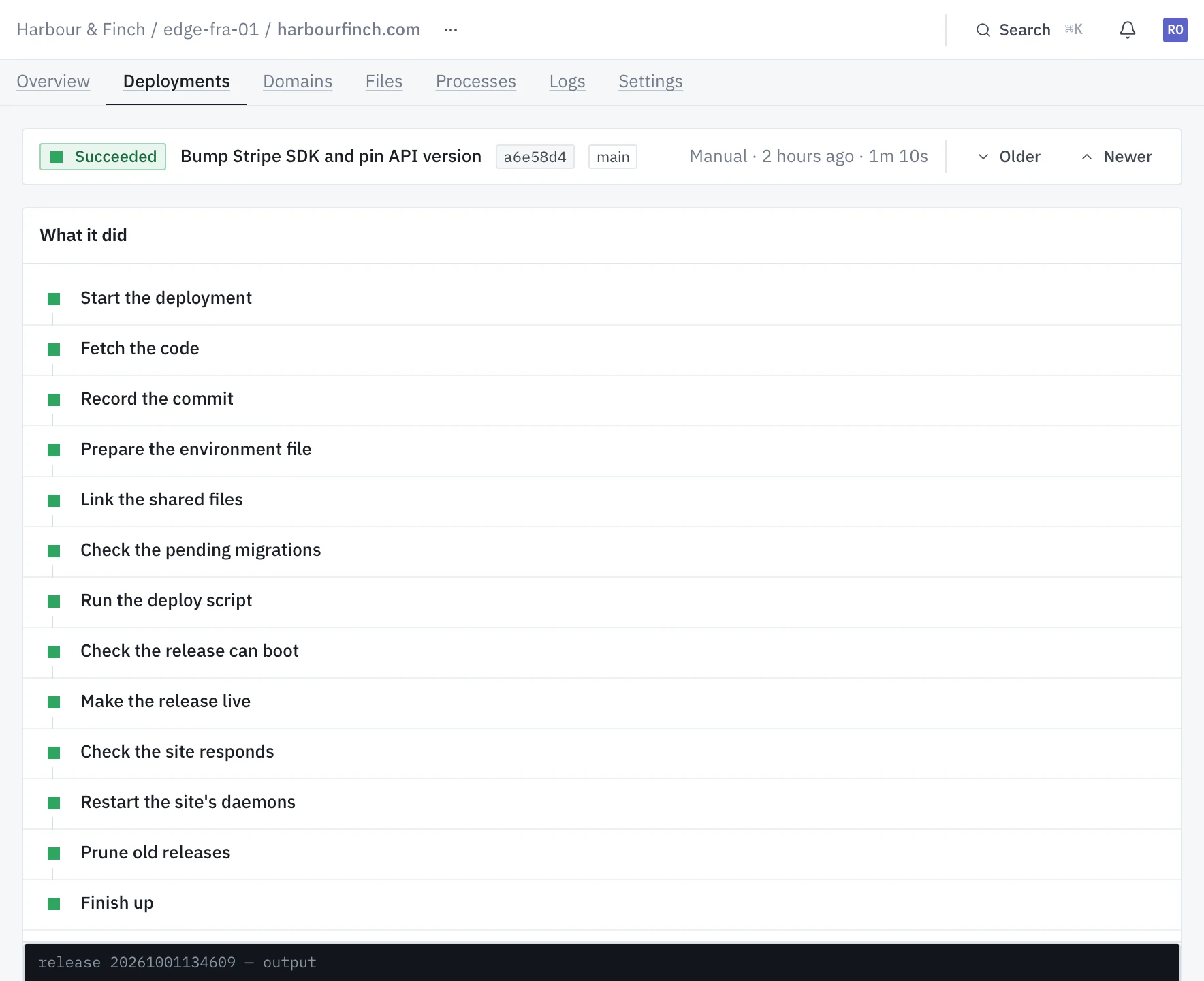
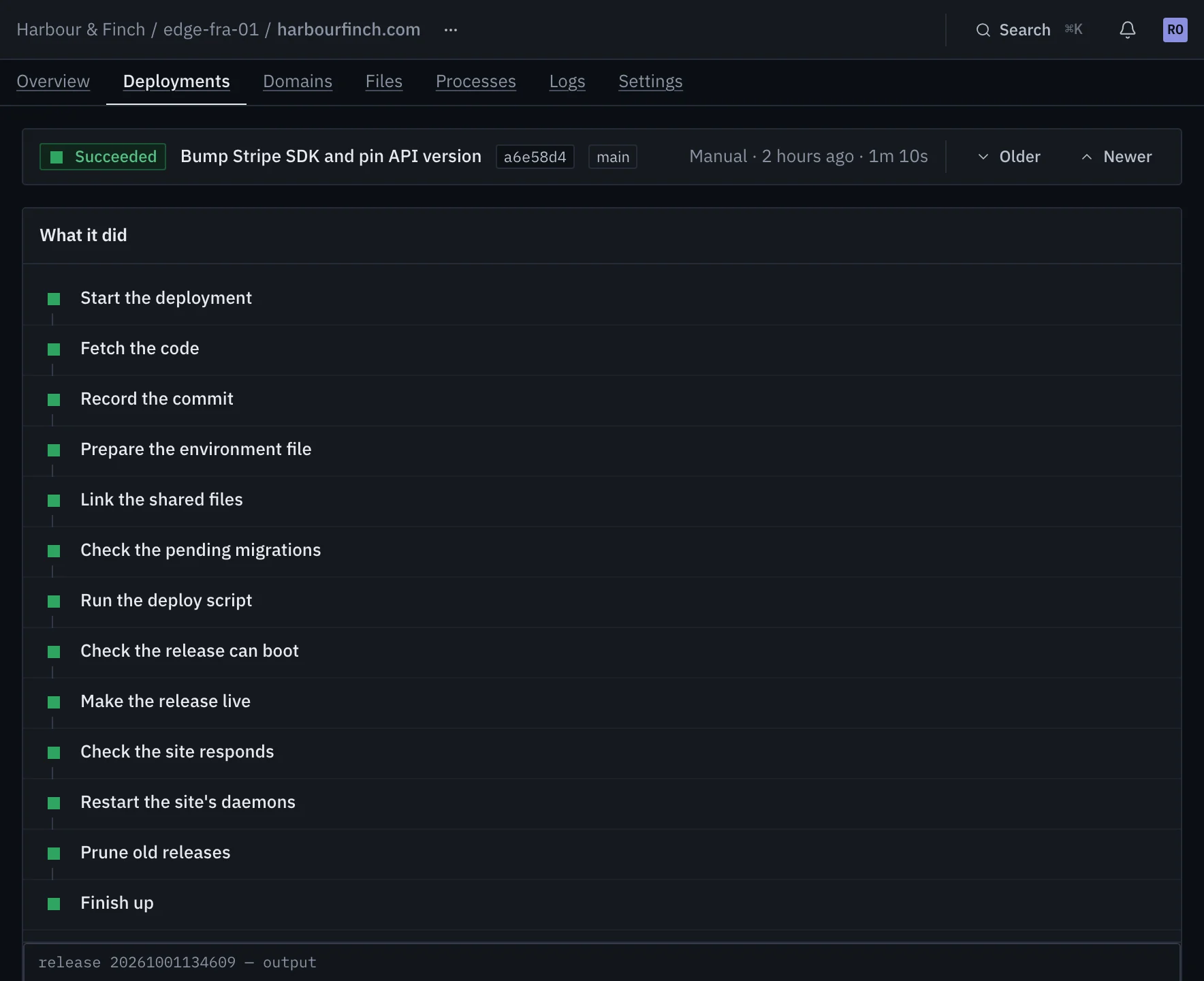
Every step is a named run with its own clock and the machine's own output beside it. You watch what happens rather than reading about it afterwards.
Run one command
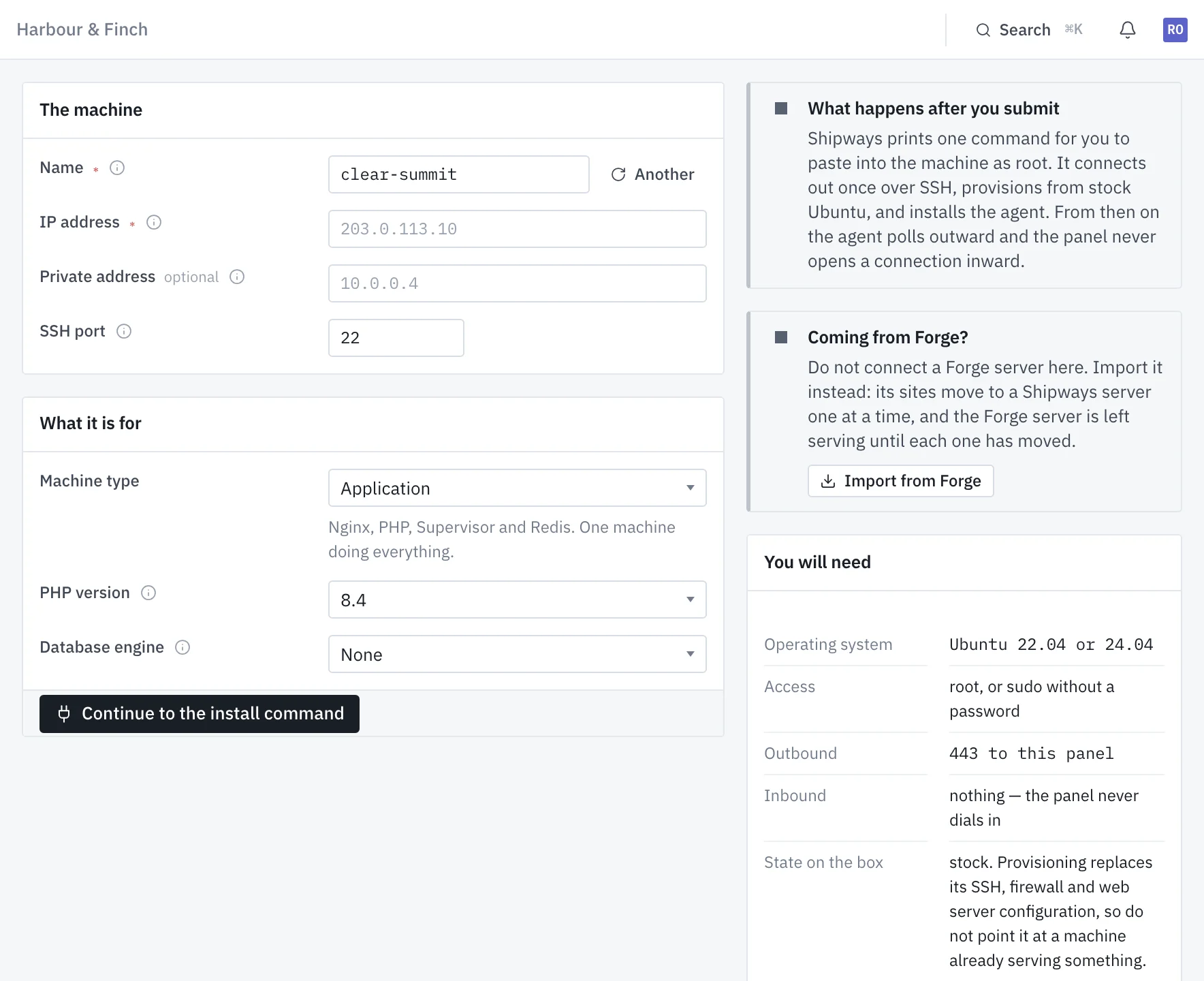
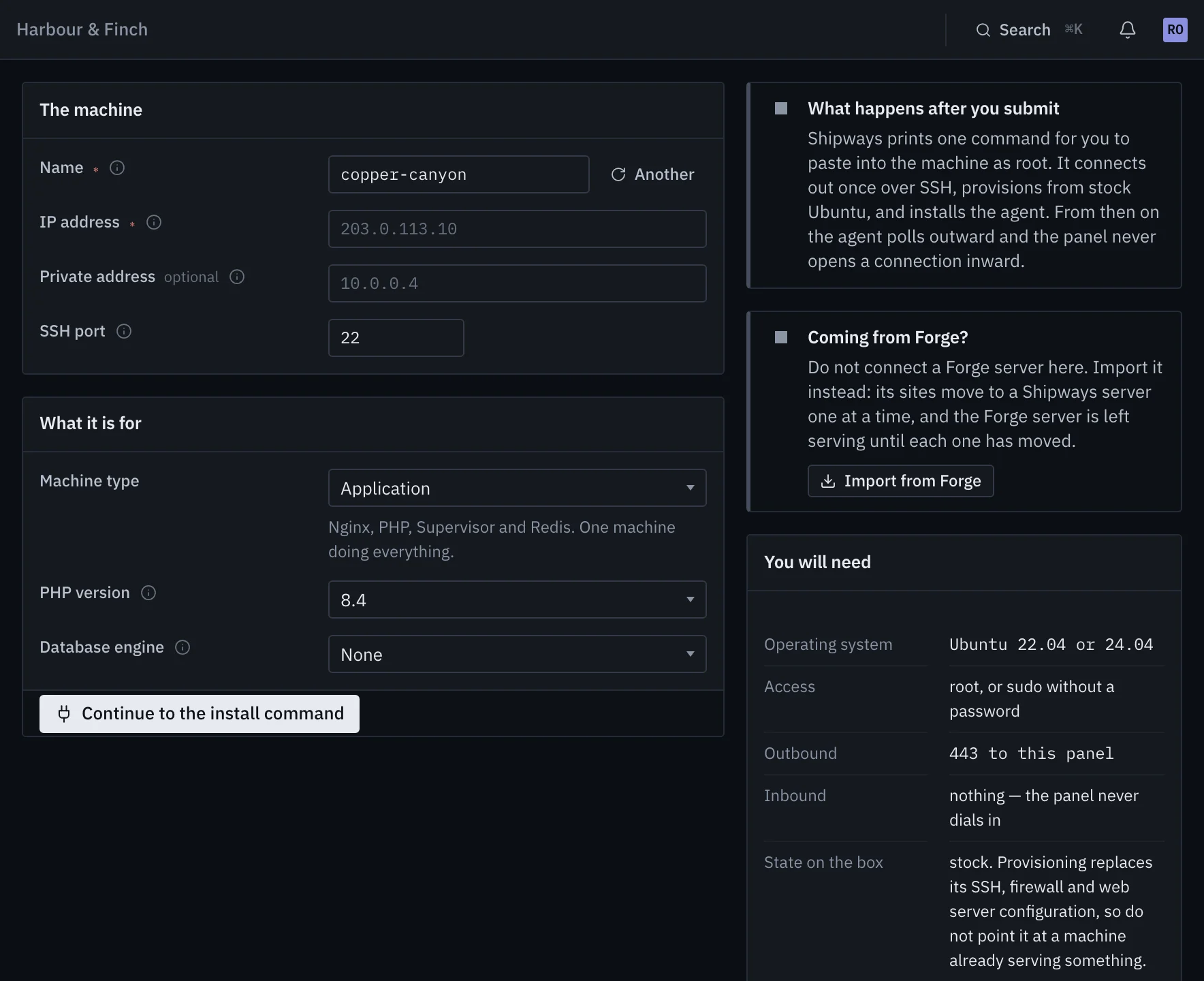
Name the machine and say what it is for. Shipways prints one install command for it, signed and valid for two hours. Run it as root on Ubuntu 22.04 or 24.04.
- After that, the agent reports outward on its own
- Works behind NAT and inside a private network
- Any VPS or bare-metal box you can be root on
It provisions itself
Provisioning starts when the agent first reports in. A deploy user, hardened SSH, ufw and fail2ban, security-only unattended upgrades, then what the machine is for: Nginx, PHP, Node, Supervisor, Redis, MySQL or PostgreSQL.
- Every step named and timed, with the machine's own output
- Nothing about the machine can be changed mid-run
- Application, web, worker, database, cache, load balancer, search or mail
Deploy
Point a site at a repository on GitHub, GitLab or Bitbucket. Every deploy builds a release beside the live one, checks it can boot, and only then switches over.
- A release that cannot boot never goes live
- Migrations that rewrite a table are flagged before they run
- On push, from a hook, the API or your assistant
A small agent that only ever calls out
One static binary on each machine. It asks the control plane for work over HTTPS and streams the output back, so day-to-day work needs no inbound rule for us at all.
Outbound only
The agent long-polls for jobs and checks in every 60 seconds with its facts and metrics. There is no inbound firewall rule to add, and nothing breaks when the machine's address changes.
- Behind NAT or in a private VPC
- TLS verification cannot be turned off
- The control plane's address is fixed at enrolment
One token per machine
Every machine enrols with a bearer token of its own, kept on the machine. A compromised box can only ever speak for itself, never for the rest of the fleet.
- Tokens are per server and never shared
- SSH stays as the fallback, with a repair command if the agent is ever locked out
Leave any time
Shipways configures standard software in standard places. Remove a server from Shipways and the agent is uninstalled; every site, database, worker and cron entry it set up keeps running.
- Plain Nginx vhosts, PHP-FPM pools and Supervisor programs
- Nothing on the machine waits on the control plane to serve
still serving
Everything the machine runs, not just the deploy
A deploy tool that stops at the git checkout leaves you in ssh for the rest. Here every one of these has its own state, its own history and its own alerts.
version: 1

php: "8.4"
extensions: [redis, imagick]

deploy: |
  composer install --no-dev --optimize-autoloader
  php artisan migrate --force
  npm ci && npm run build

scheduler: true
daemons:
  - name: horizon
    command: php artisan horizon
The repository says what it needs
A shipways.yaml beside composer.json declares the PHP version, extensions, workers and jobs. Every deploy makes the site match, and pull requests get the plan as a check.
Learn more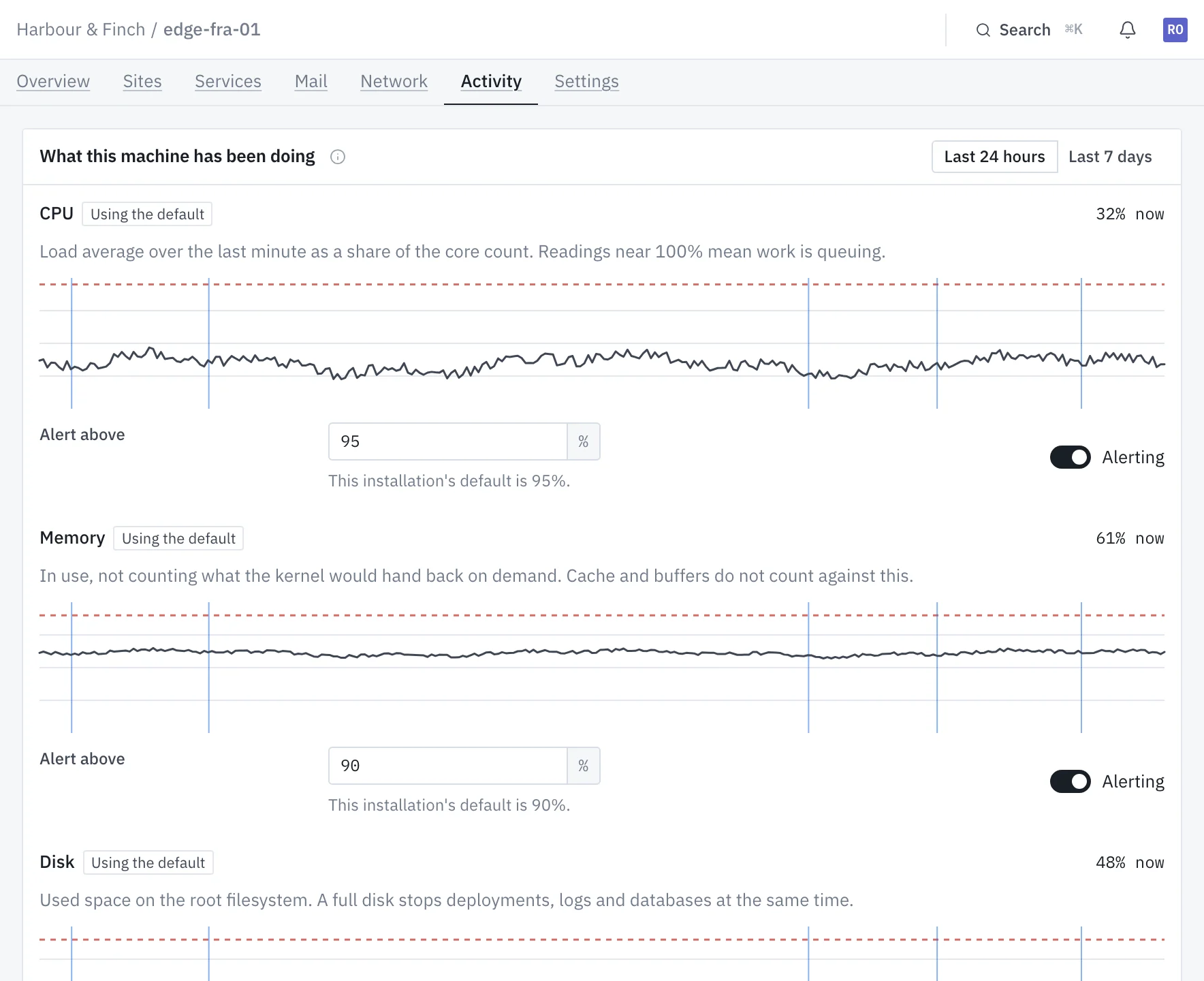
Told when something changes, not every minute
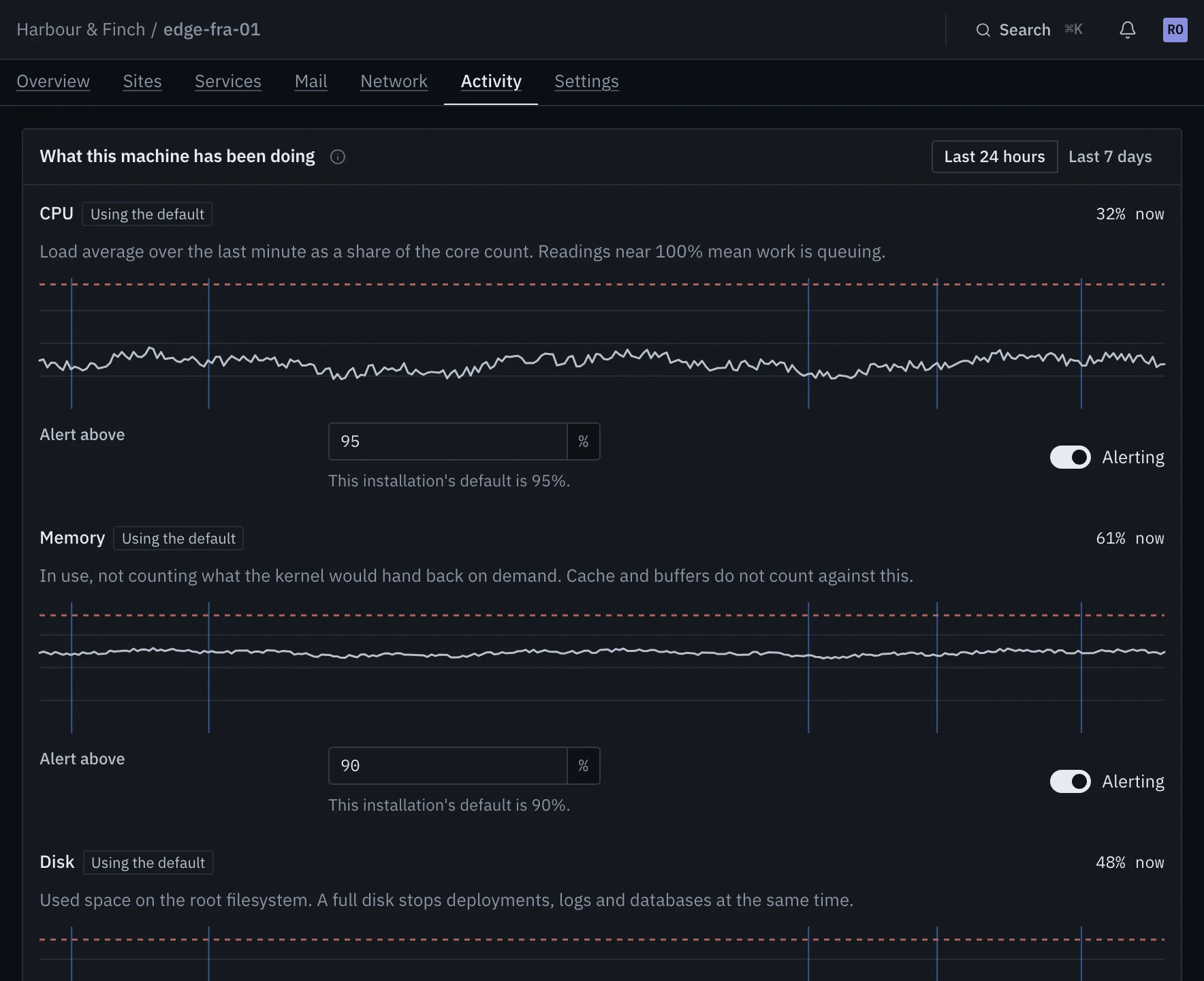
CPU, memory and disk against thresholds you set, plus missed check-ins, failed deploys, stopped daemons, stale backups and expiring certificates. Sent by email, Slack, Discord, Mattermost or webhook.
Learn more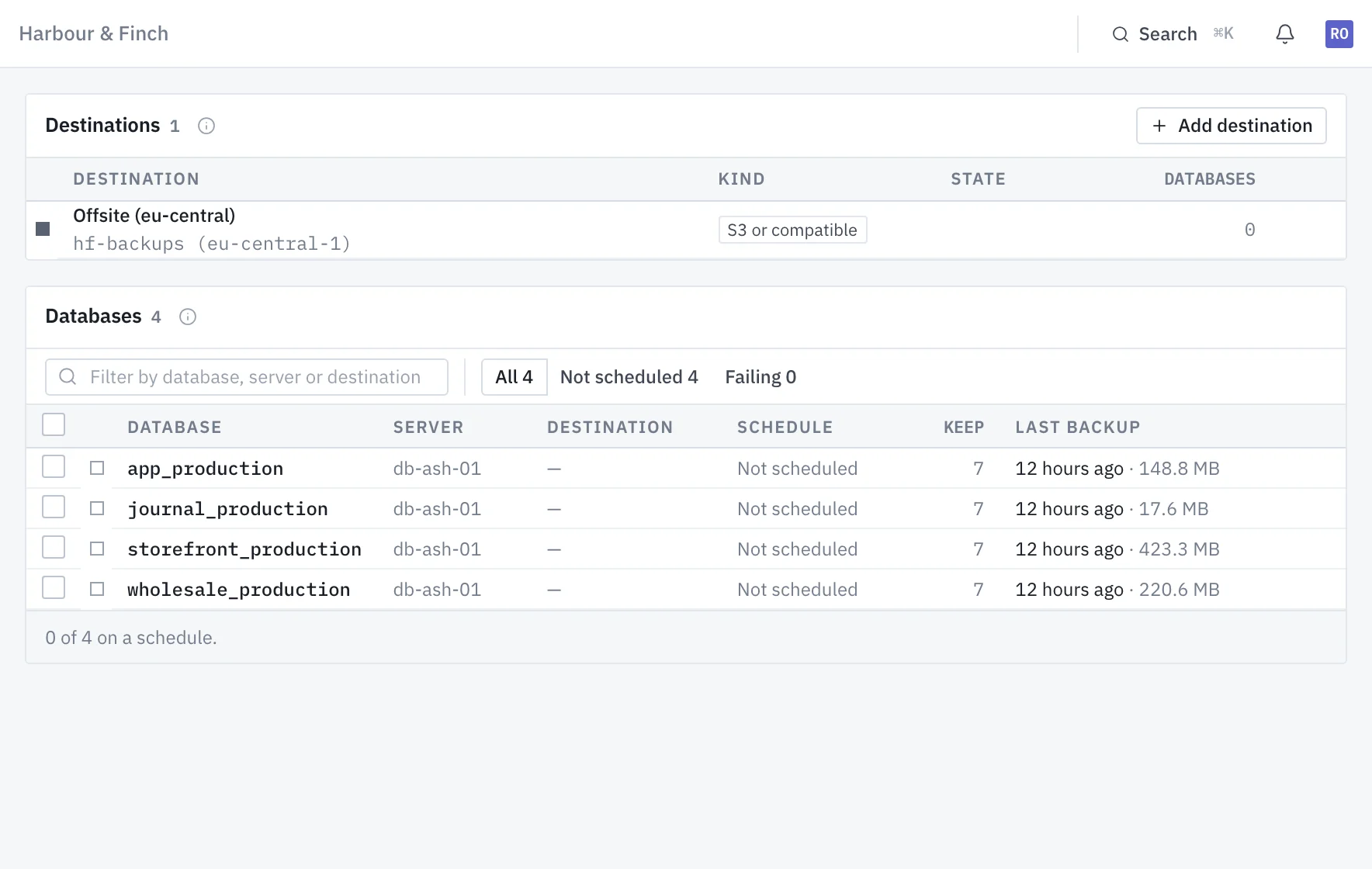
Backups you can restore, to storage you own
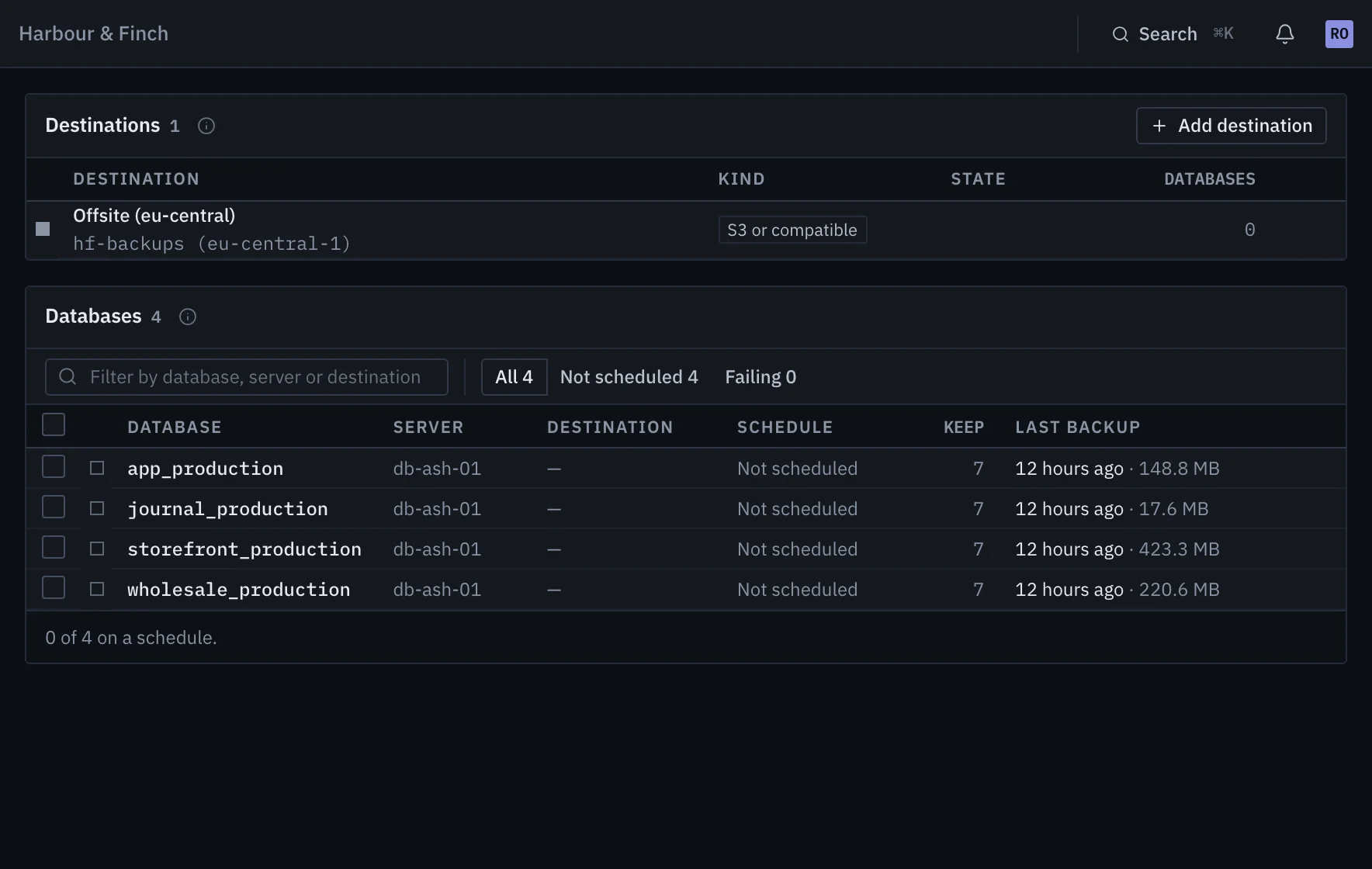
MySQL and PostgreSQL with users, imports and exports. Scheduled dumps to S3, SFTP, FTPS or Google Drive, and a restore is a run you watch.
Learn more# Claude Code, with a token from the panel claude mcp add --transport http --scope user shipways \ https://console.shipways.dev/mcp \ --header "Authorization: Bearer <token>" # then, in a session > why did the last deploy of harbourfinch.com fail?
Hand the panel to your assistant
A REST API and an MCP server with 22 tools. Deploy, read a failed step's log, restart a daemon or change one line of an environment file, under a token that can only read if that is all you give it.
Learn moreAlso in the panel
The panel never pretends to know
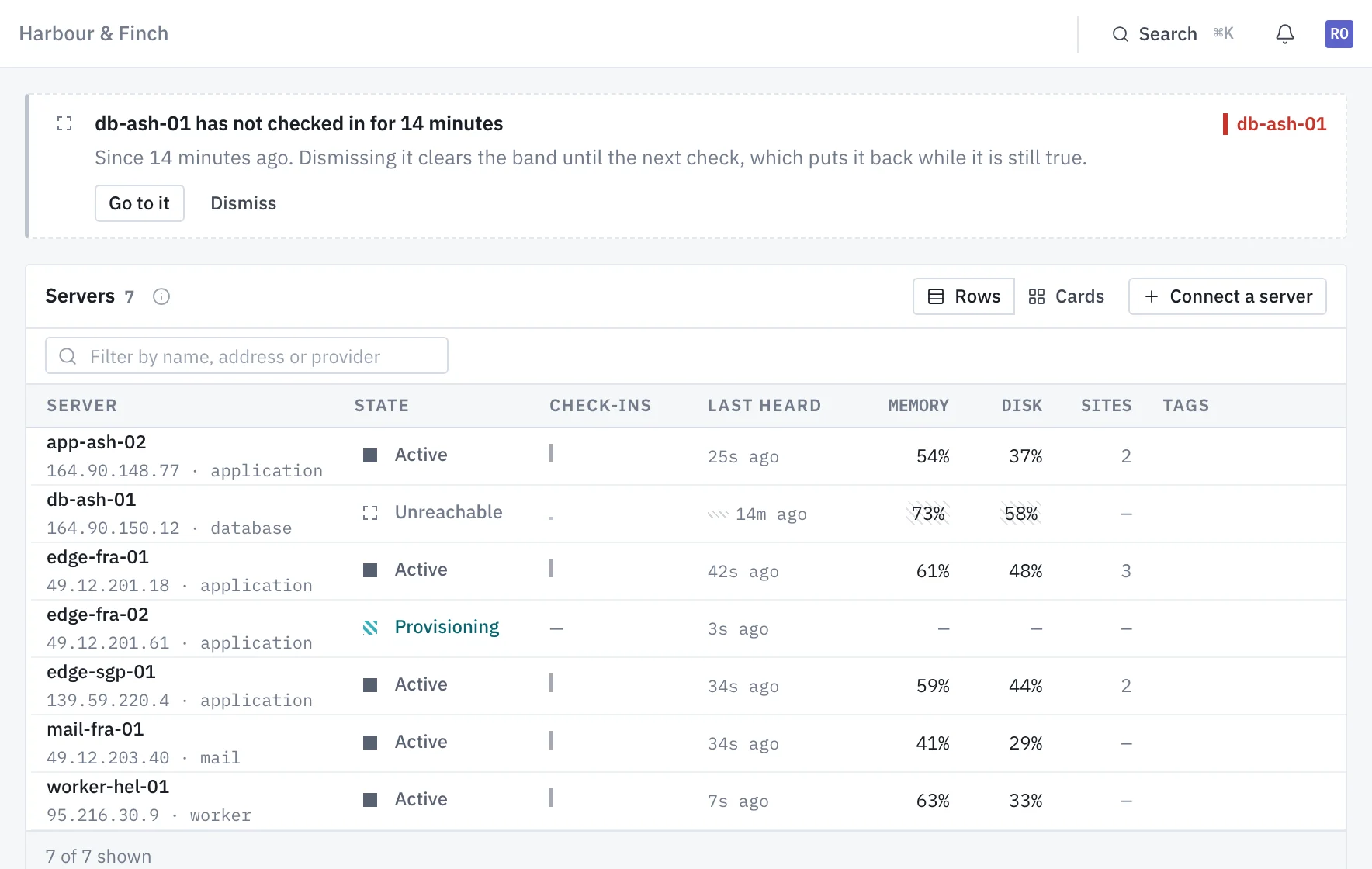
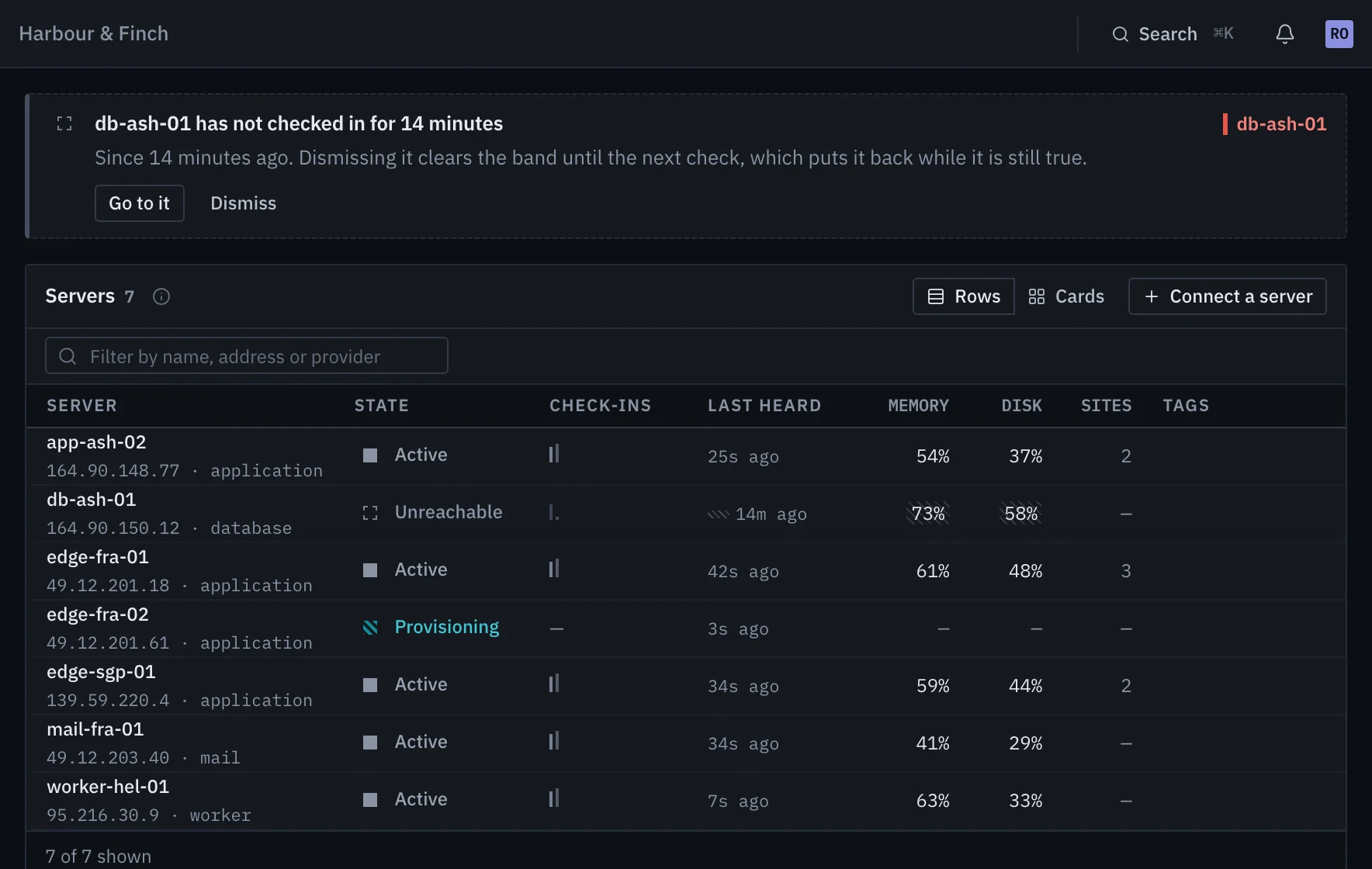
The agent reports outward on a schedule, so the panel knows what it was last told, not what is true this second. It draws the difference instead of hiding it behind a green dot.
Heard from on schedule, and nothing is wrong. There is no success colour on a resting screen, so the first colour you see is a problem.
Something told us it failed. Shape carries severity before hue does, so every state still reads in greyscale.
A machine that stops checking in is drawn as unknown, not as broken: silence is not a failure report. Its last numbers stay on screen, on the hatch, because the last thing we were told is usually what you came for.
What changed lately
The panel works on a phone
The rail moves into a drawer, tables drop the columns a row can do without, and dialogs become bottom sheets.
Your assistant can read why a deploy failed
The MCP server now lists deployments, reads any step's log with secrets redacted, and says which package logins a site is missing.
Plans priced by machines
Four plans, from one machine free to 150. People are not counted on any paid plan, and Studio is free for students, open source and non-profits.
One machine, free, for as long as you like
No card and no end date. Connect a spare box and watch it provision; everything it builds carries into whichever plan you move to.